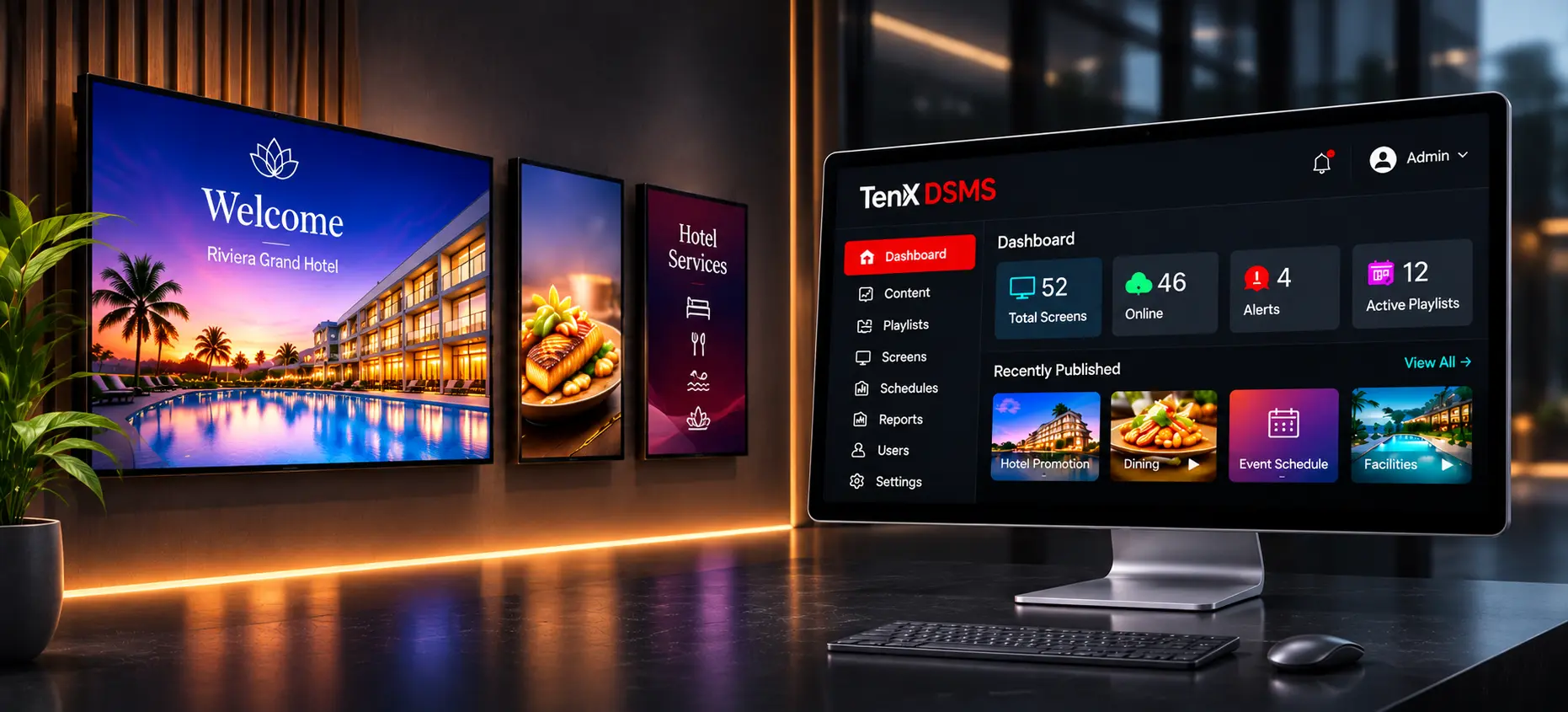
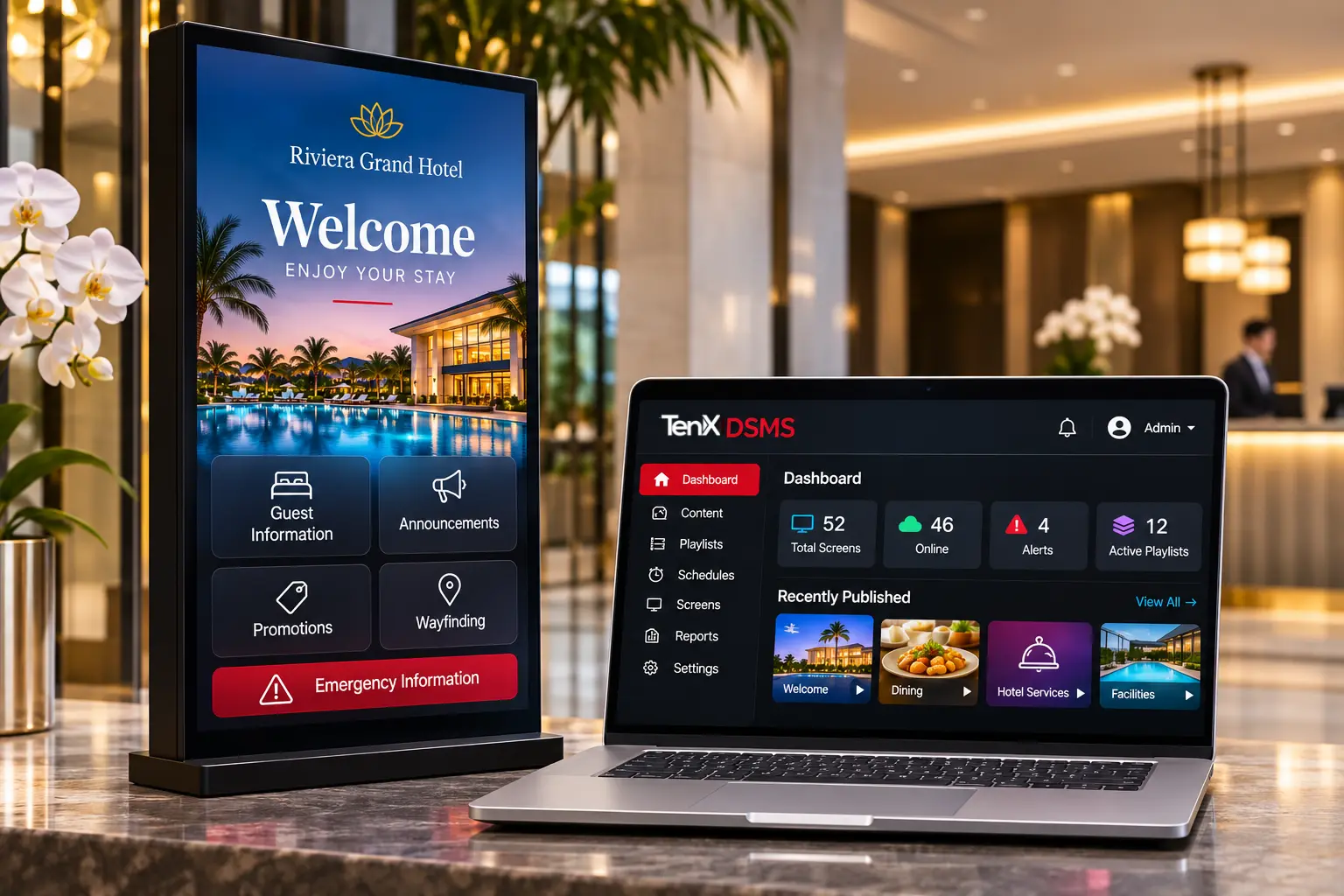
TenX DSMS hotel digital signage showcase with hotel welcome displays and central signage management dashboard
DIGITAL SIGNAGE MANAGEMENT SOFTWARE

Digital Signage Management Software for Business

TenX DSMS is digital signage management software that helps businesses manage content across supported displays from one central platform. Publish content, schedule playlists and manage screens with greater control.

Official TenX Software Provider in India — DSOLUTIONS

REQUEST A DEMO
DIGITAL SIGNAGE TECHNOLOGY

What Is a Digital Signage Management System?

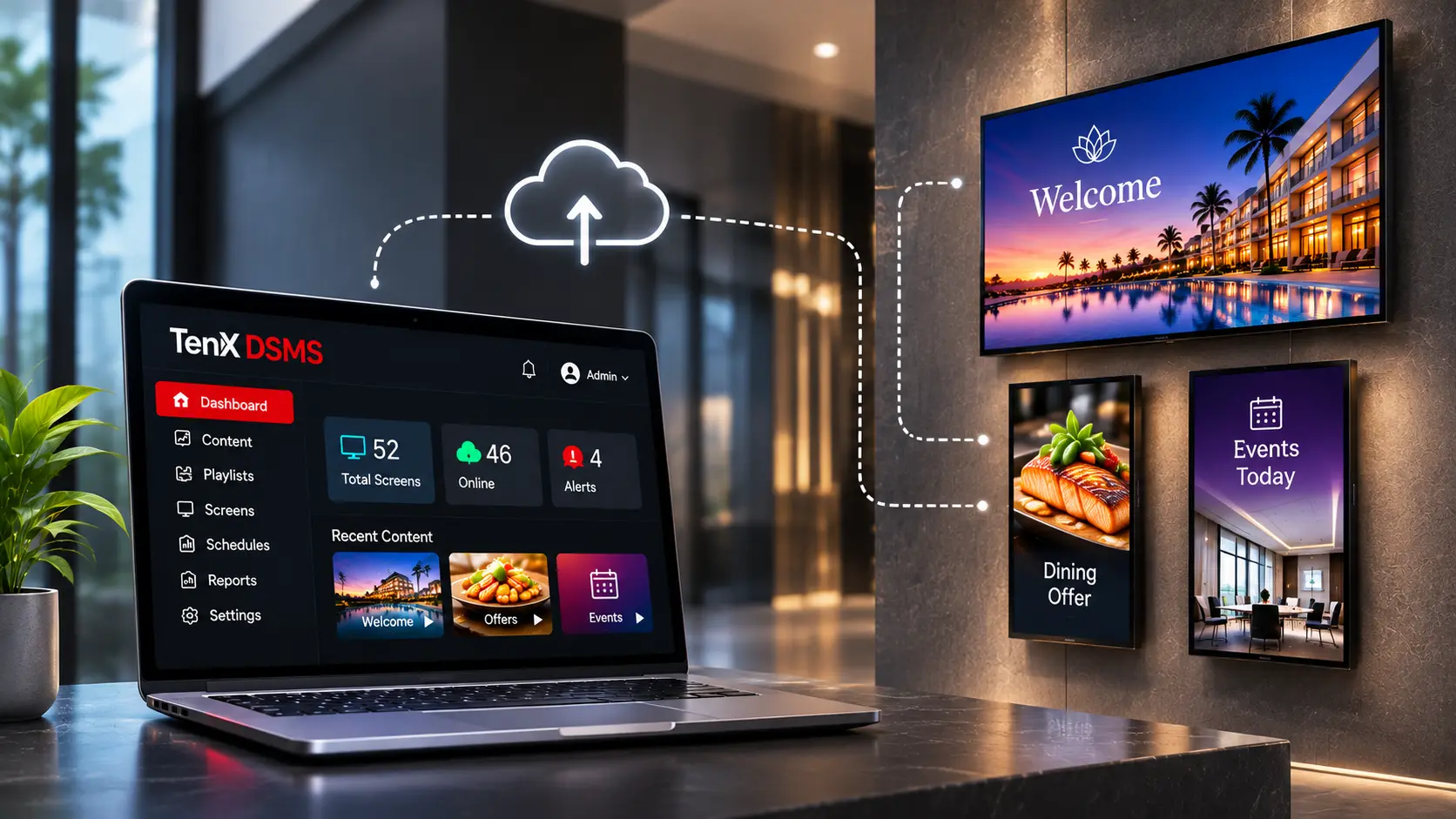
A digital signage management system is software that lets organisations manage content shown on compatible screens from a central platform. Teams can organise content, create playlists, schedule displays and publish updates to supported screens, depending on the software configuration.

The software manages content and publishing, while displays and media players are separate components. Exact functions depend on the product and its configuration.

Digital signage management platform illustrating centralised content management and connected screens
SMART DIGITAL SIGNAGE

Discover TenX Digital Signage Software

TenX DSMS is designed for hotels, hospitals, schools, corporate sites and other organisations that need to keep information across multiple screens. It helps streamline content updates rather than requiring teams to manage each display individually.

As the official TenX software provider in India, DSOLUTIONS helps businesses evaluate the software against their screens, content requirements and communication goals.

1 +
Years of Innovation

Powered by advanced TenX technology and expertise.

1 +
Projects completed successfully

Key Features of Digital Signage Software

Centralised Content Management

Organise and update signage content from a central platform, helping teams maintain consistent information across supported displays.

Multi-Screen Management

Manage content across multiple screens and, where supported, different locations. This helps businesses maintain consistent messaging across their display network.

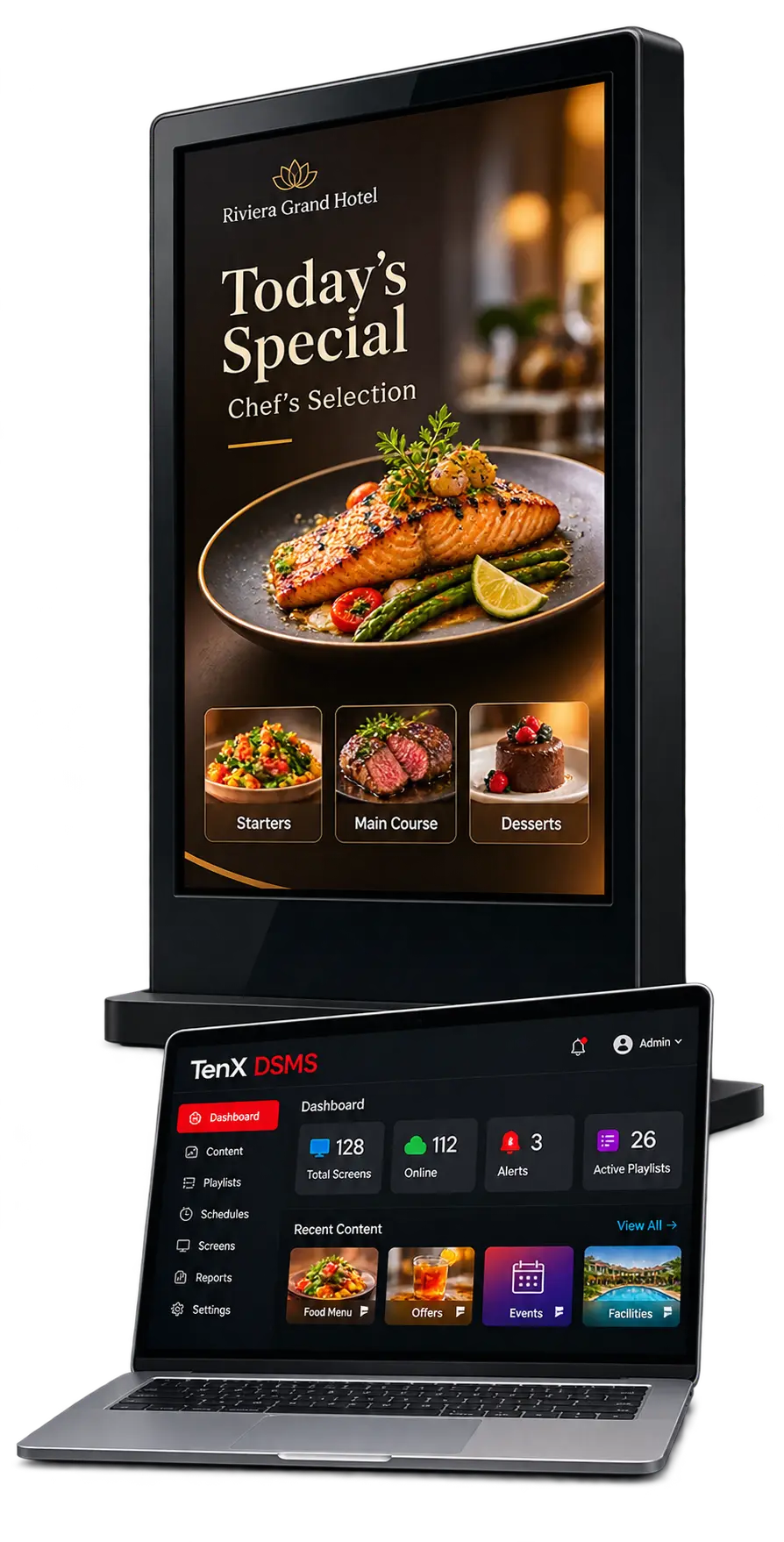
TenX DSMS digital signage display and dashboard on laptop showing food menu content.

Content Scheduling and Playlists

Plan what appears on screen and when. Organise promotions, announcements and daily information using playlists and scheduling functions where supported by your configuration.

Content Publishing

Publish approved content to supported displays through the platform, reducing the need for manual updates on individual screens.

Emergency Alert Display Integration

Display emergency warnings and safety messages on compatible digital signage screens through integration with an approved external alarm or monitoring system, subject to technical compatibility and validation. The integration may relay relevant warning information to supported displays when an external system provides the necessary event data. Emergency detection, alarm generation and transmission remain the responsibility of the appropriate external systems. Digital signage is a supplementary communication channel and does not replace certified fire alarm systems, gas detection equipment or approved emergency procedures. Availability of this capability with TenX DSMS must be confirmed for each deployment.


Industries We Serve

Digital Signage Management Software for Every Industry

Manage digital displays and deliver relevant information across different business environments with TenX DSMS. Organise content, schedules and screen communication through one central platform.

Digital signage solutions for hotels and hospitality environments

Digital signage solutions for hospitality environments

Hospitality

Hotels, resorts and serviced apartments can use digital signage for guest information, welcome messages, announcements, promotions and wayfinding. Manage screen content across hospitality properties through a central platform.

Request a Demo

Digital Signage Software Implementation

Implementation depends on the software configuration, supported devices and project requirements. A typical evaluation covers these steps:

01 1. Understand Your Objectives
Identify your communication goals, content requirements, screen count and locations.
02 2. Review Device Compatibility
Assess supported displays, media players, network connectivity and deployment requirements.
03 3. Identify Content and Integration Needs
Determine your content management requirements and any third-party integrations needed for the project.
04 4. Assess Emergency Alert Requirements
If emergency warning displays are required, review the external alarm system, available interfaces, compatibility, display behaviour and validation requirements separately.
05 5. Confirm Deployment and Support
Agree on licensing, implementation scope, onboarding, training and technical support arrangements.

Software integration services can be discussed where required, subject to project scope and confirmed technical feasibility.

have more questions for us? shoot email: sales@dsoluitonsindia.com

Abstract blue and orange glossy fluid ribbon design for technology branding
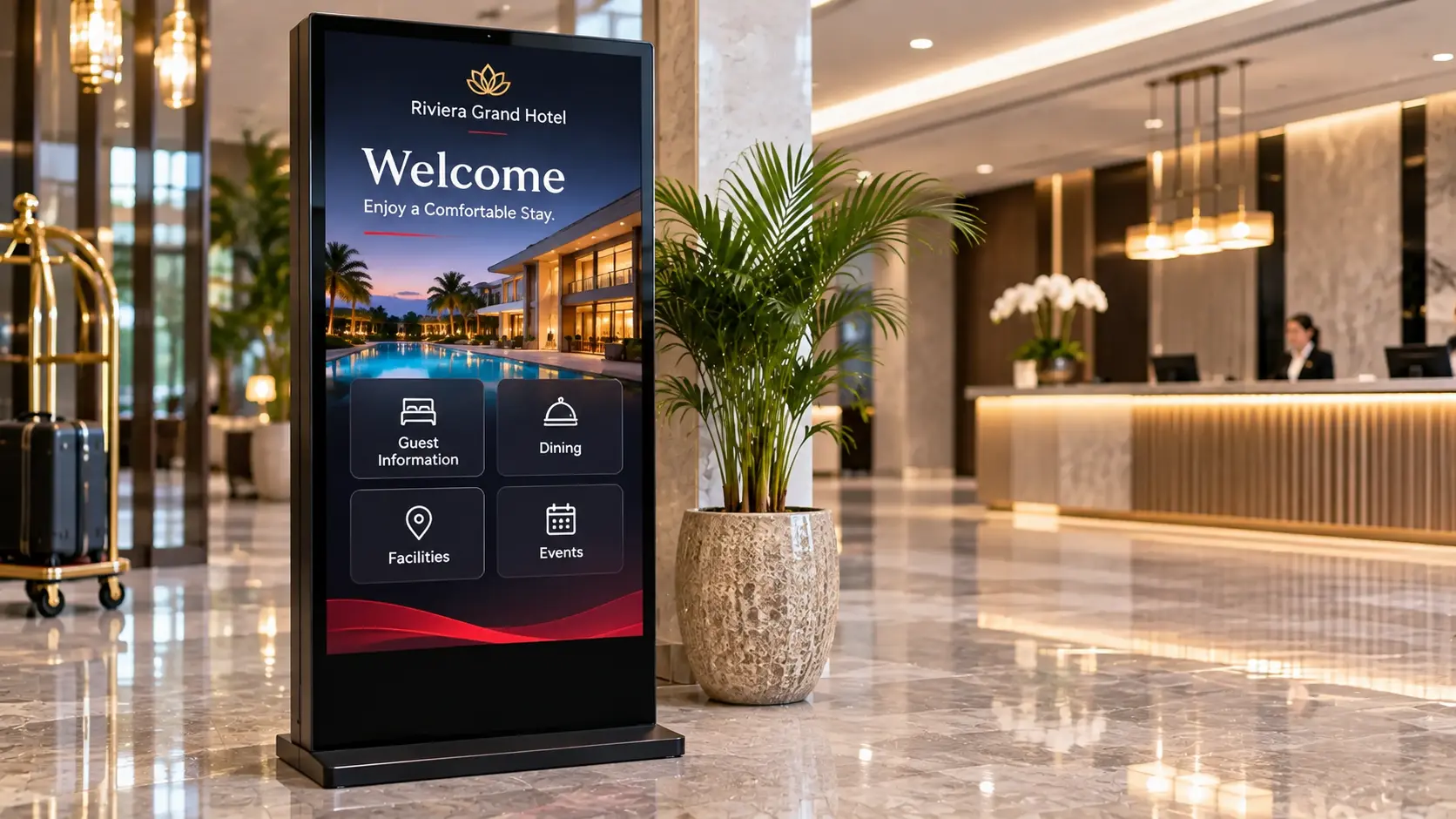
Riviera Grand Hotel lobby welcome display showcasing hospitality digital signage

Official TenX Software Provider

Your TenX Digital Signage Software Provider in India

DSOLUTIONS LLP is the official TenX software provider in India. Our hospitality technology experience across India and the Middle East helps us understand the requirements of hotels, hospitals and commercial environments.

We help businesses assess software suitability, discuss integration requirements and plan adoption. Training and technical support are provided as agreed for each project.

Our wider software portfolio includes TenX IPTV Software, TenX Casting and TenX Connect alongside TenX DSMS.

Learn About DSOLUTIONS
SOFTWARE BUYING GUIDE

How to Choose the Best Digital Signage Software

The right digital signage software should match your requirements, display environment and operational goals. Evaluate these five important areas before choosing a solution.

Make an informed decision based on compatibility, functionality and long-term operational needs.

01

Content Features

Content management, scheduling, playlists and publishing.

02

Compatibility

Supported screens, media players and operating environments.

03

Scale & Central Management

Number of screens, locations and central management requirements.

04

Emergency Integration

Required warning displays and external system connections.

05

Commercial Terms

Licensing, onboarding, technical support and future expansion.

! Emergency Alert Applications

Also assess interface compatibility, event handling, display behaviour and system reliability. Confirm all supported capabilities before committing to a deployment.

TENX DSMS · DIGITAL SIGNAGE SOFTWARE

TenX DSMS · Digital Signage Solutions

Explore TenX DSMS for Your Digital Signage Requirements

Looking for digital signage management software for your organisation? DSOLUTIONS can help you assess whether TenX DSMS suits your displays, content management requirements and deployment environment.

If your project includes emergency alert displays, share the external systems and warning requirements so technical compatibility can be evaluated separately.

Request a Demo
Cart (0 items)